
Map posters of the 20 most famous cities in the world
Each city is drawn in a style and colours of its own: Paris in zinc grey, Tokyo in neon, Lisbon in azulejo blue. All twenty are free vector PDFs, ready to print at A4 or A3.
The gallery: 20 city map posters
-
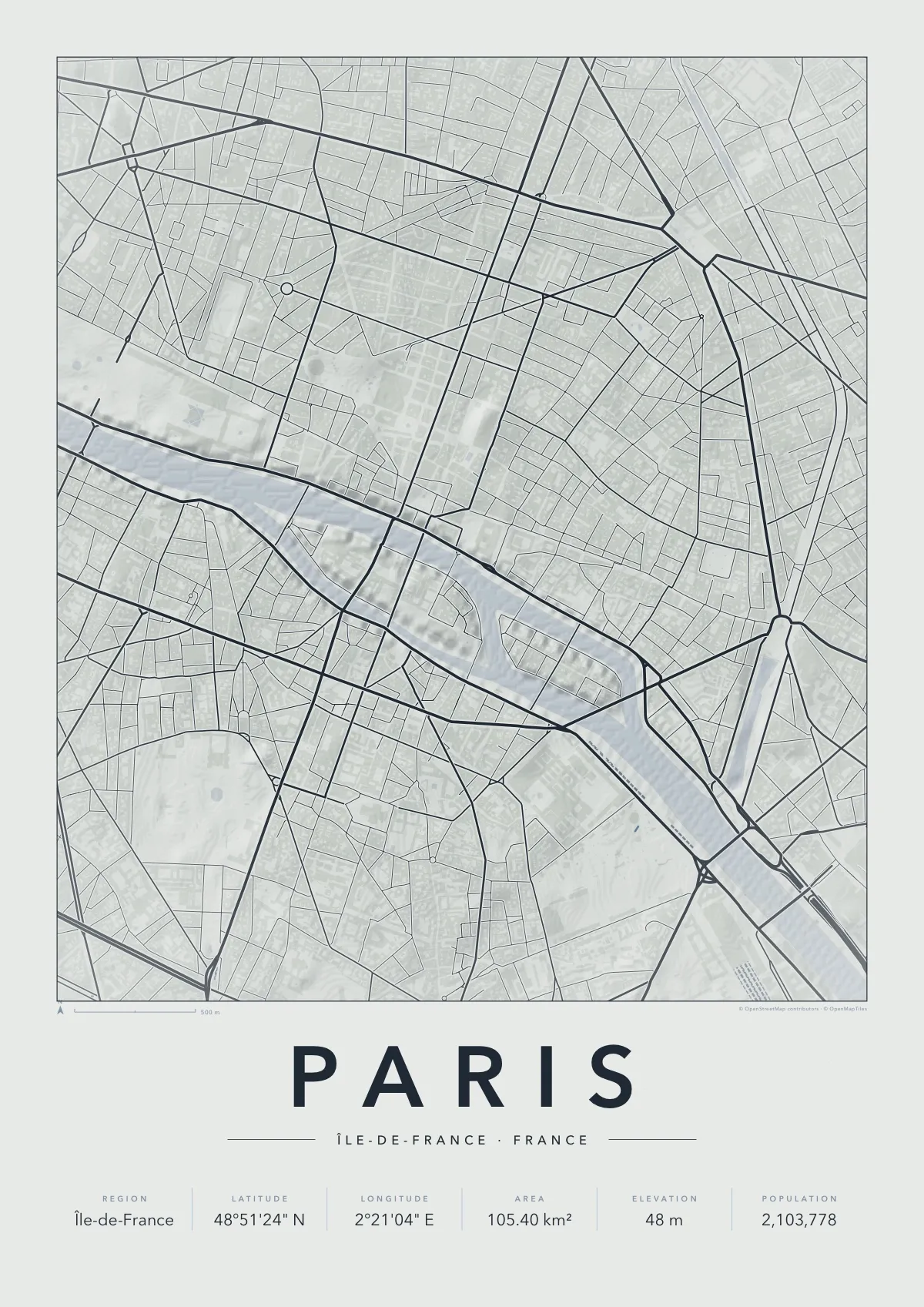
Paris
Minimal in Zinc
Download PDF of the Paris map poster · 3.0 MB
-
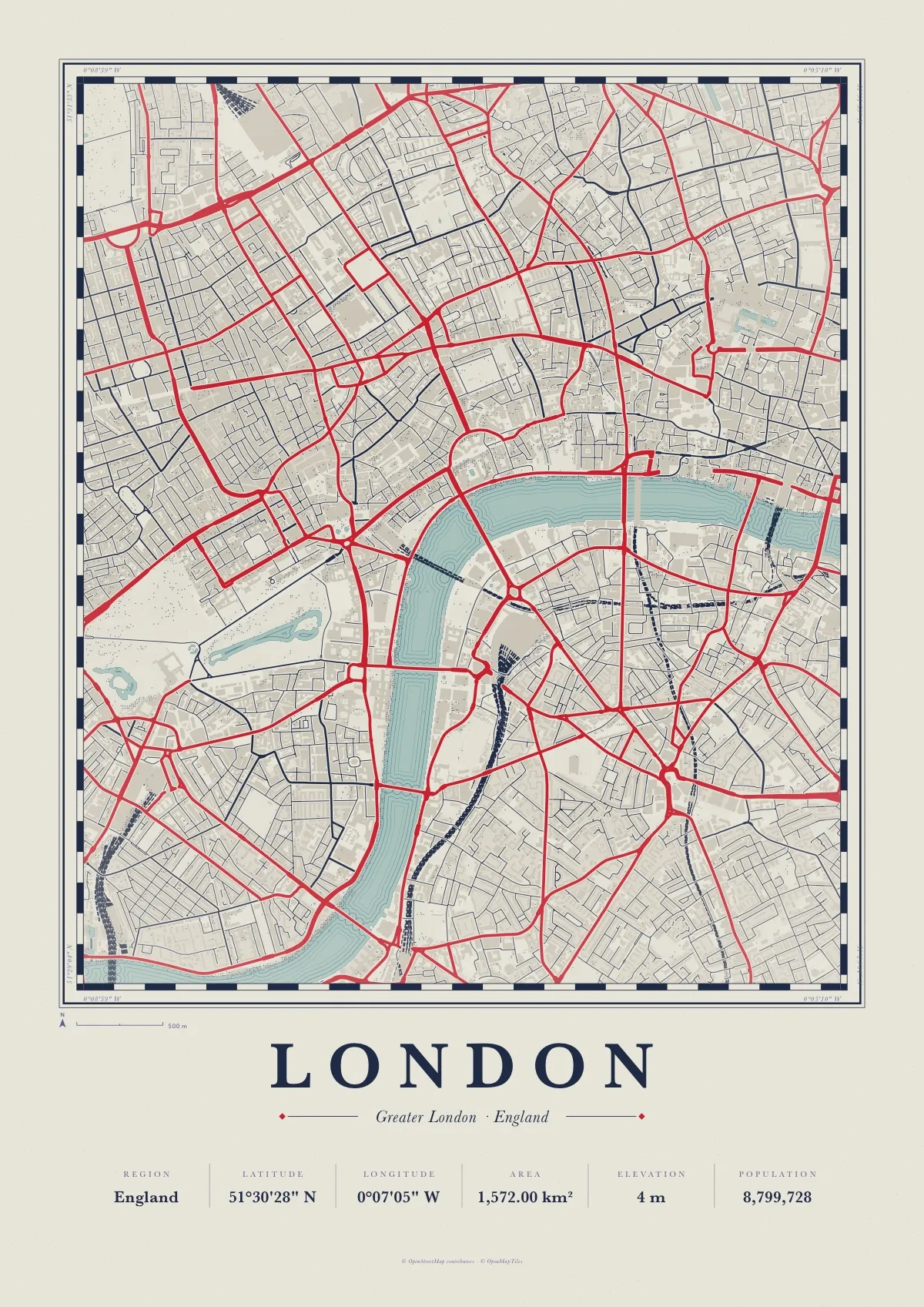
London
Atlas in Portland
-
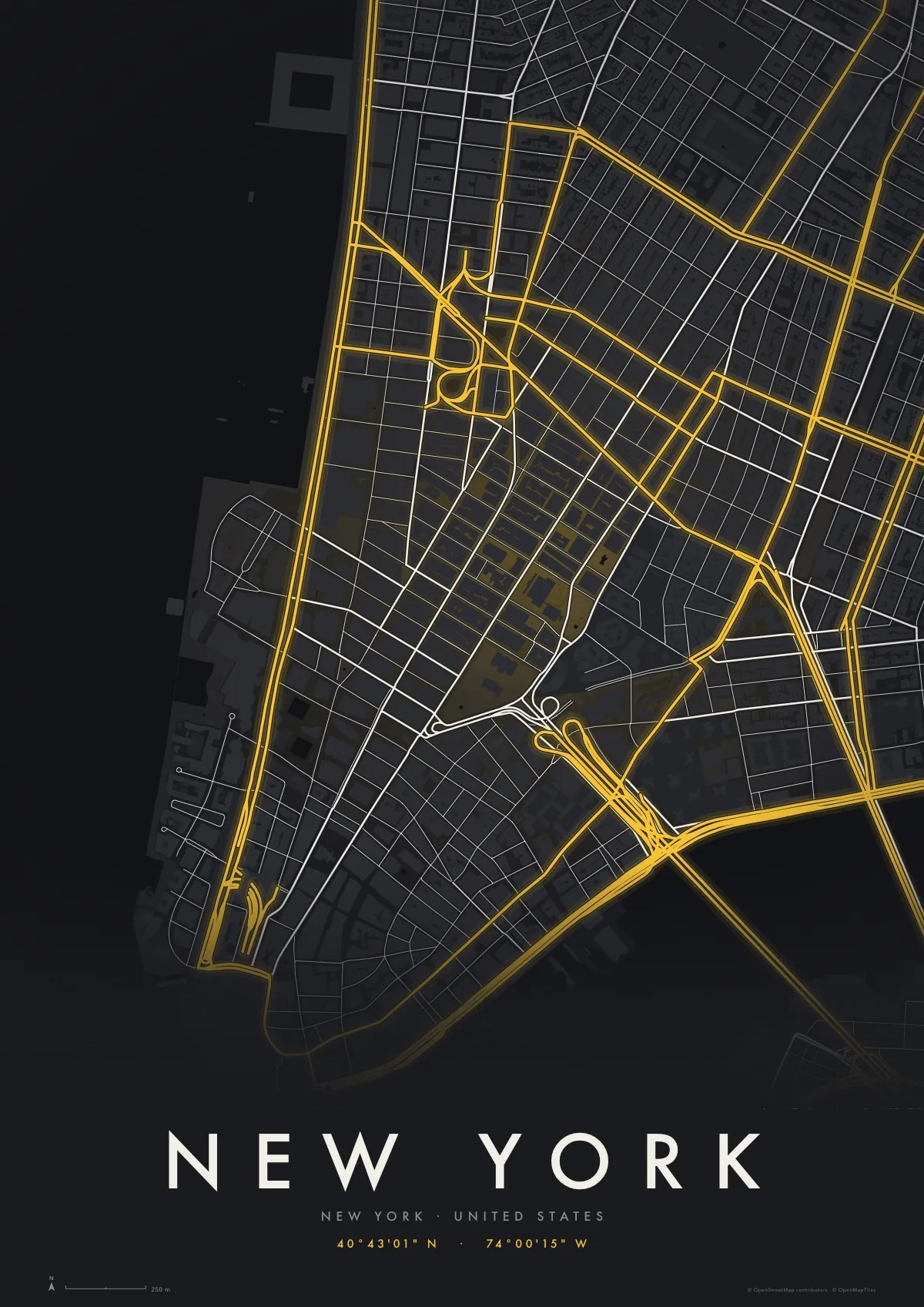
New York
Midnight in Taxi
-
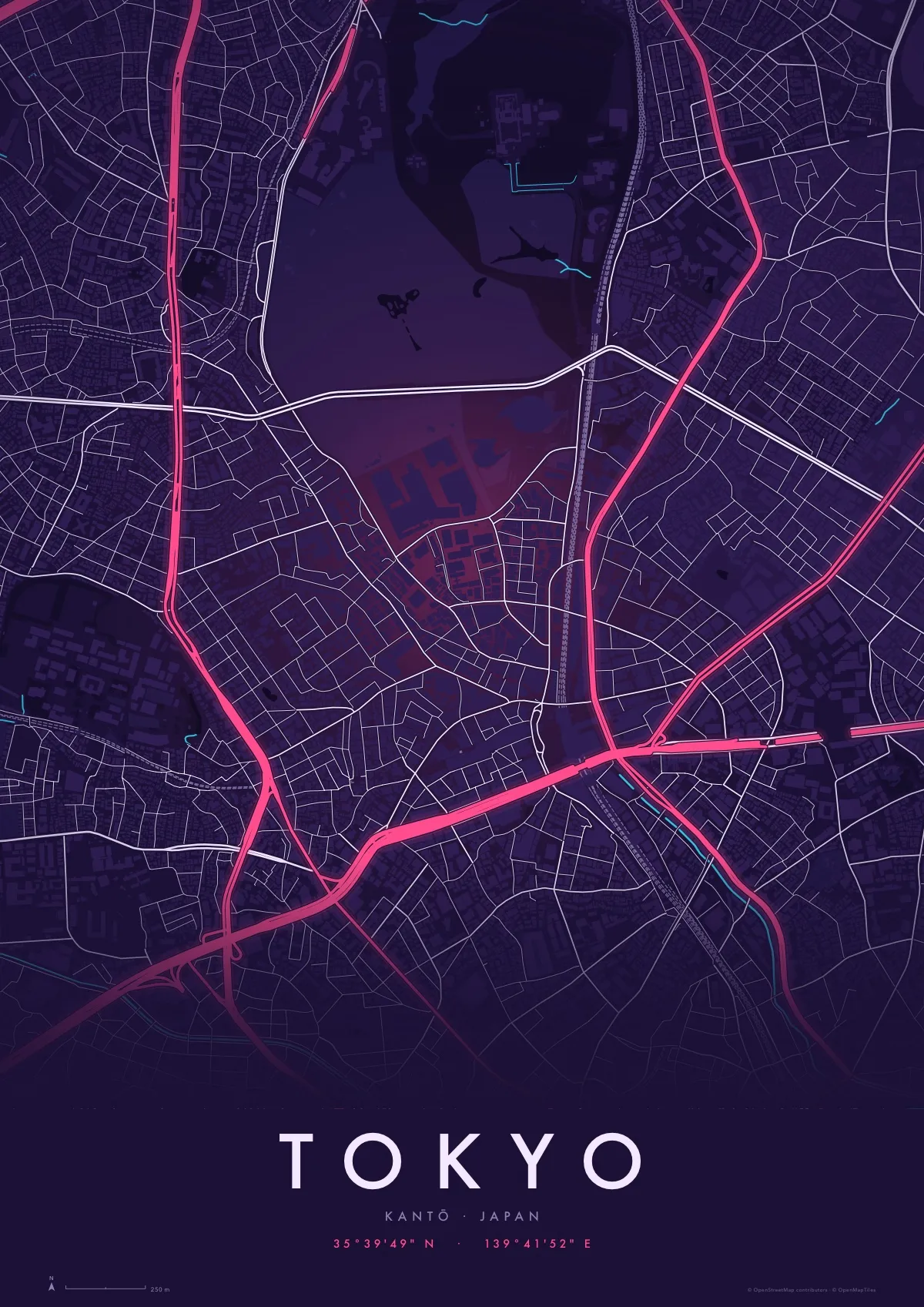
Tokyo
Midnight in Neon
Download PDF of the Tokyo map poster · 1.4 MB
-
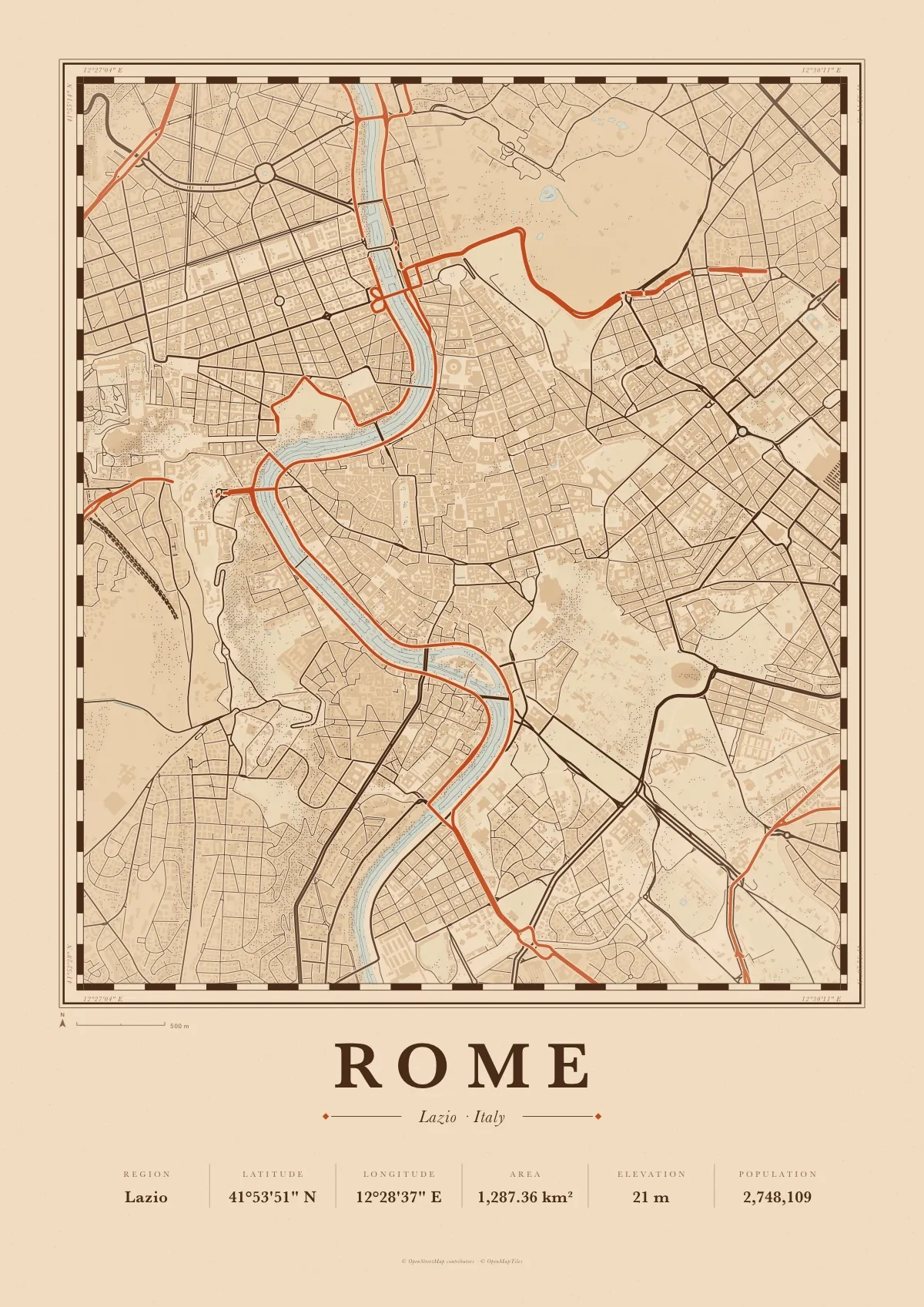
Rome
Atlas in Terracotta
Download PDF of the Rome map poster · 3.9 MB
-
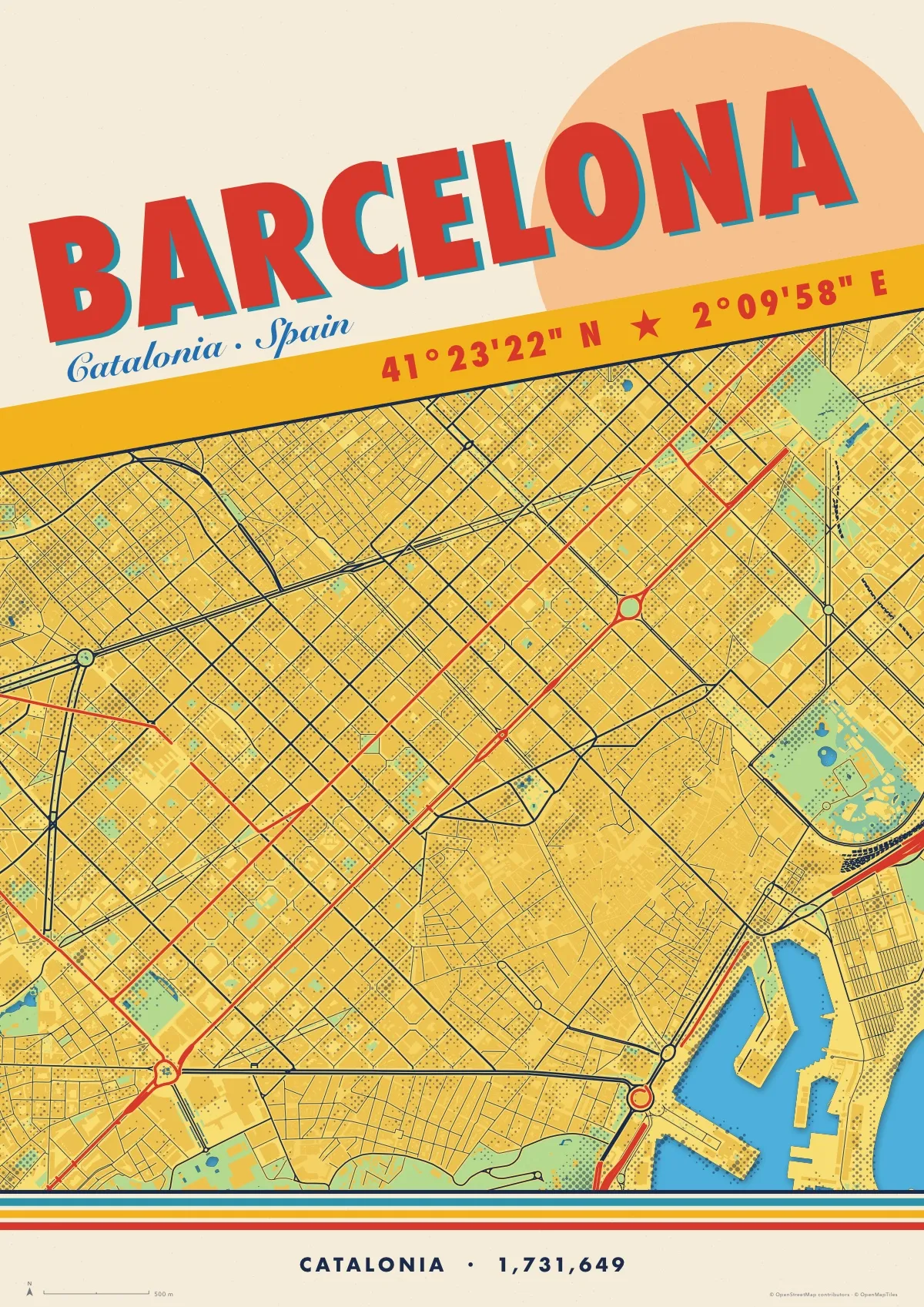
Barcelona
Travel in Sol
-
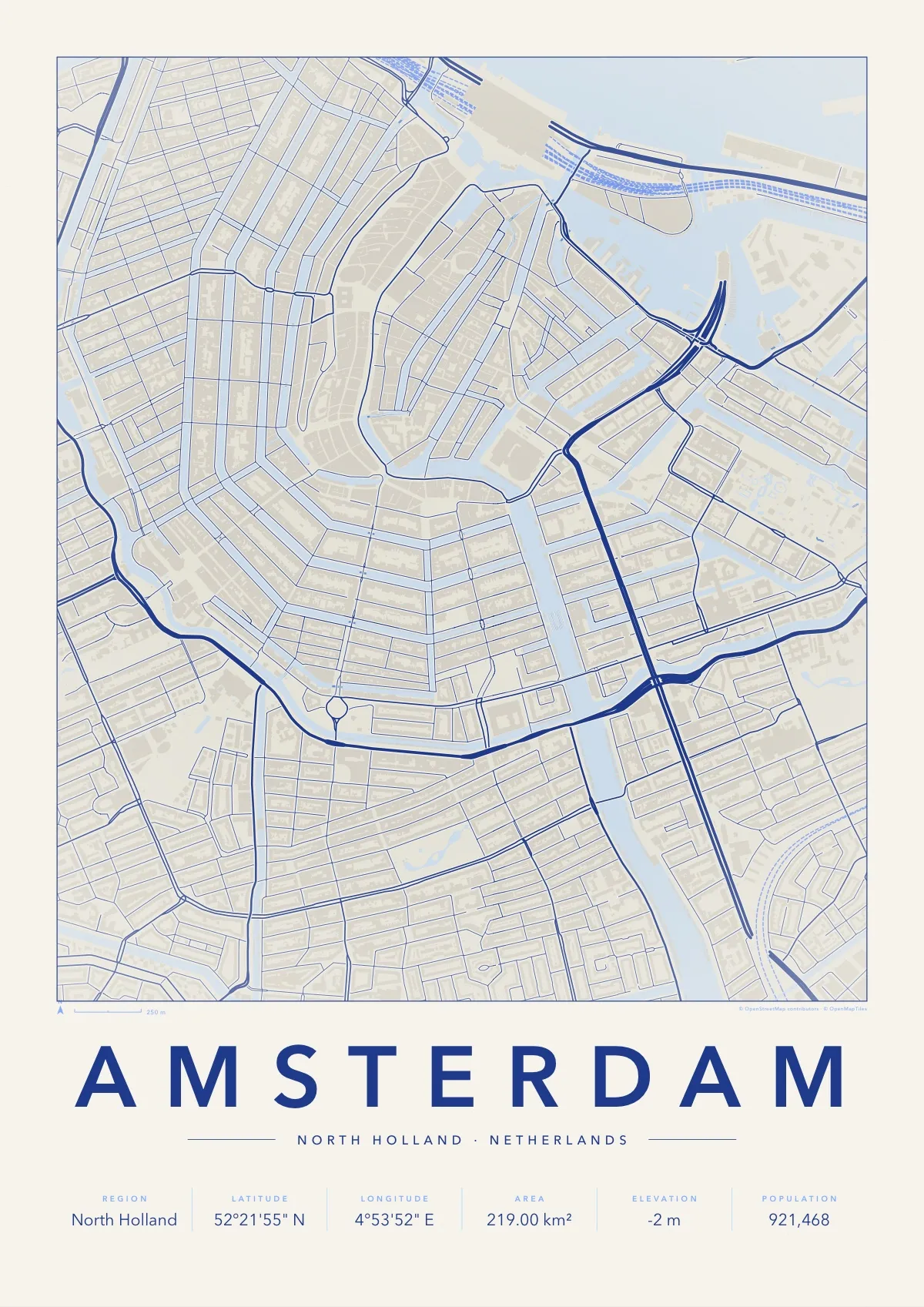
Amsterdam
Minimal in Delft
-
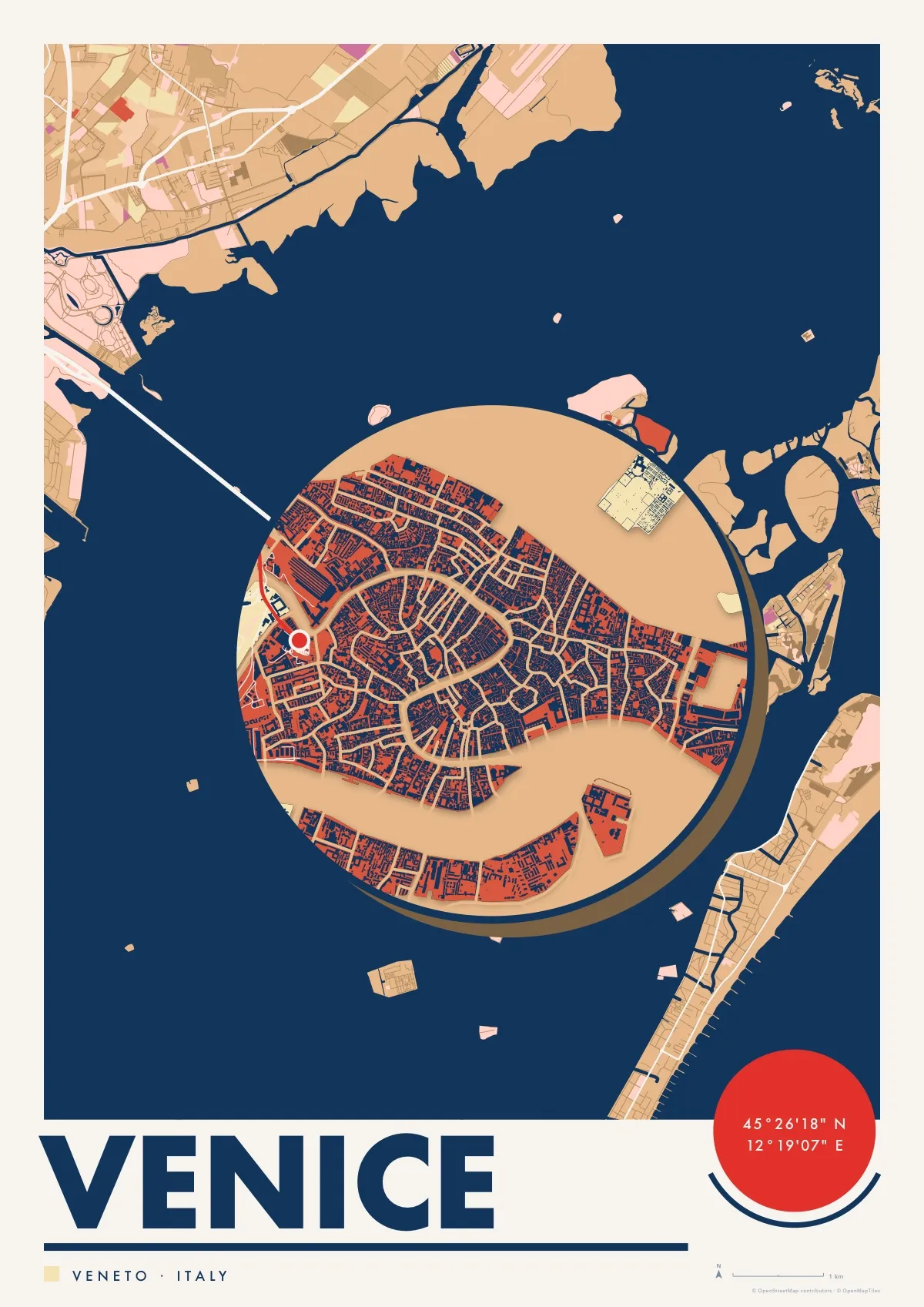
Venice
Silhouette in Lagoon
-
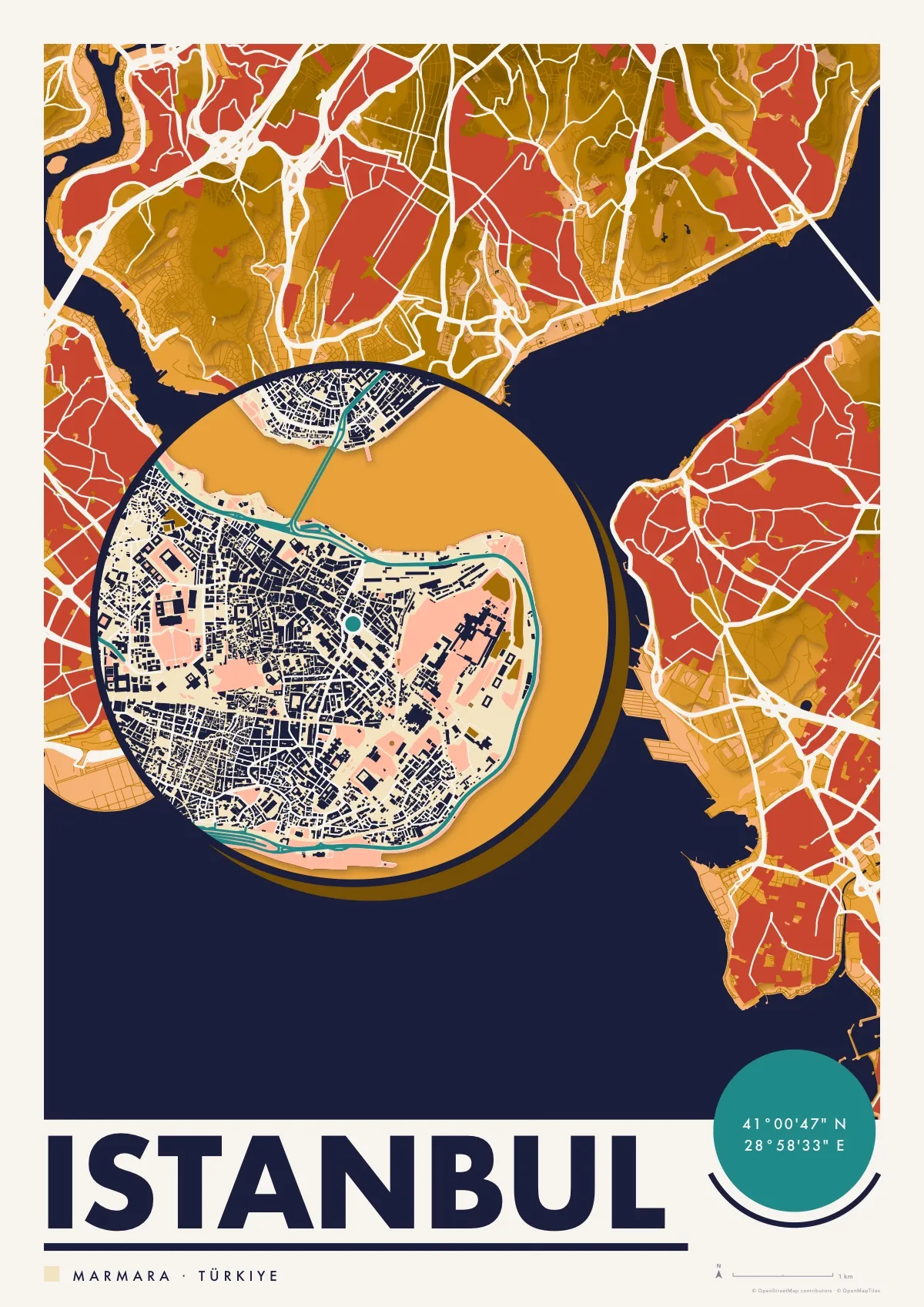
Istanbul
Silhouette in Saffron
-
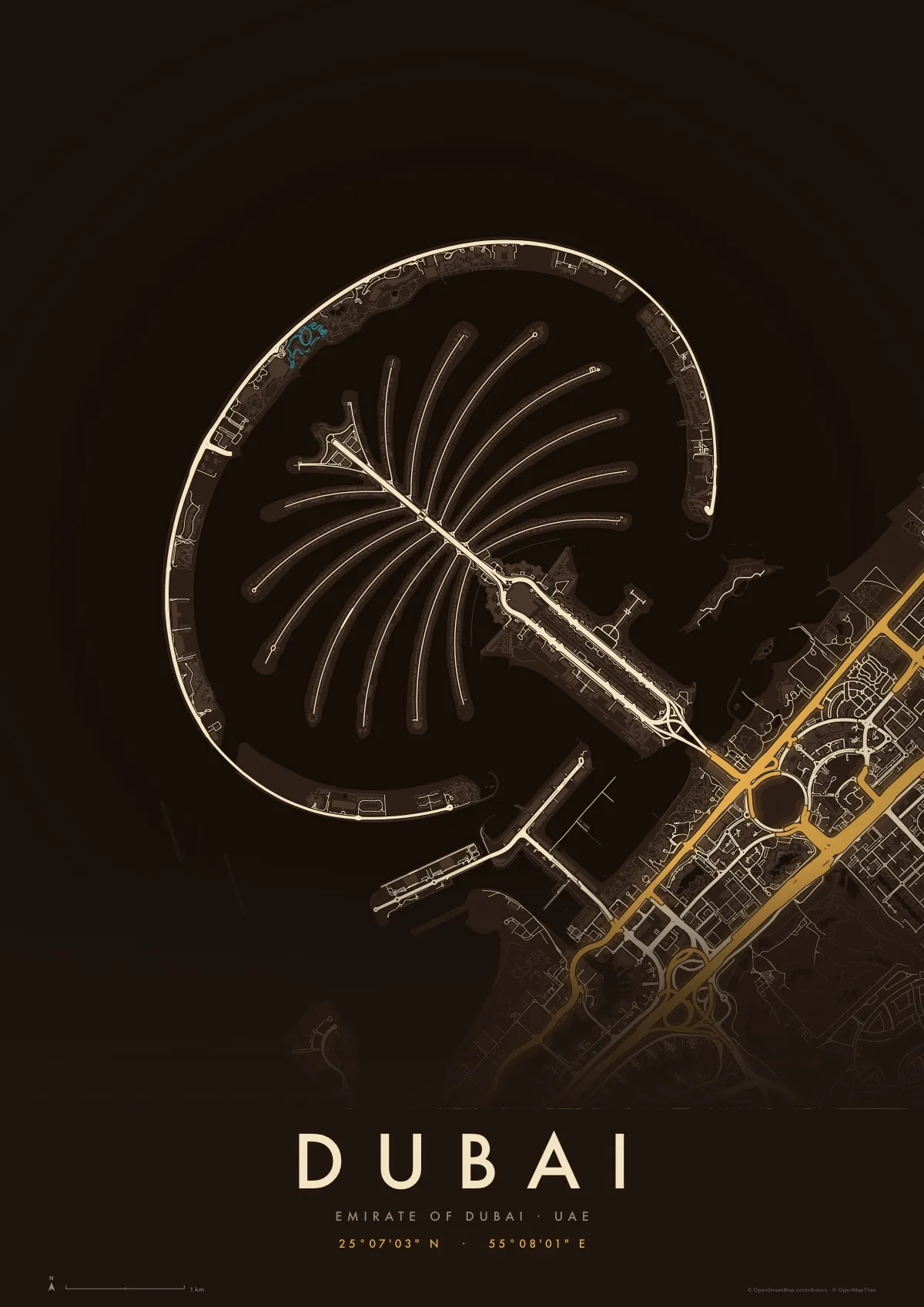
Dubai
Midnight in Oud
Download PDF of the Dubai map poster · 1.2 MB
-
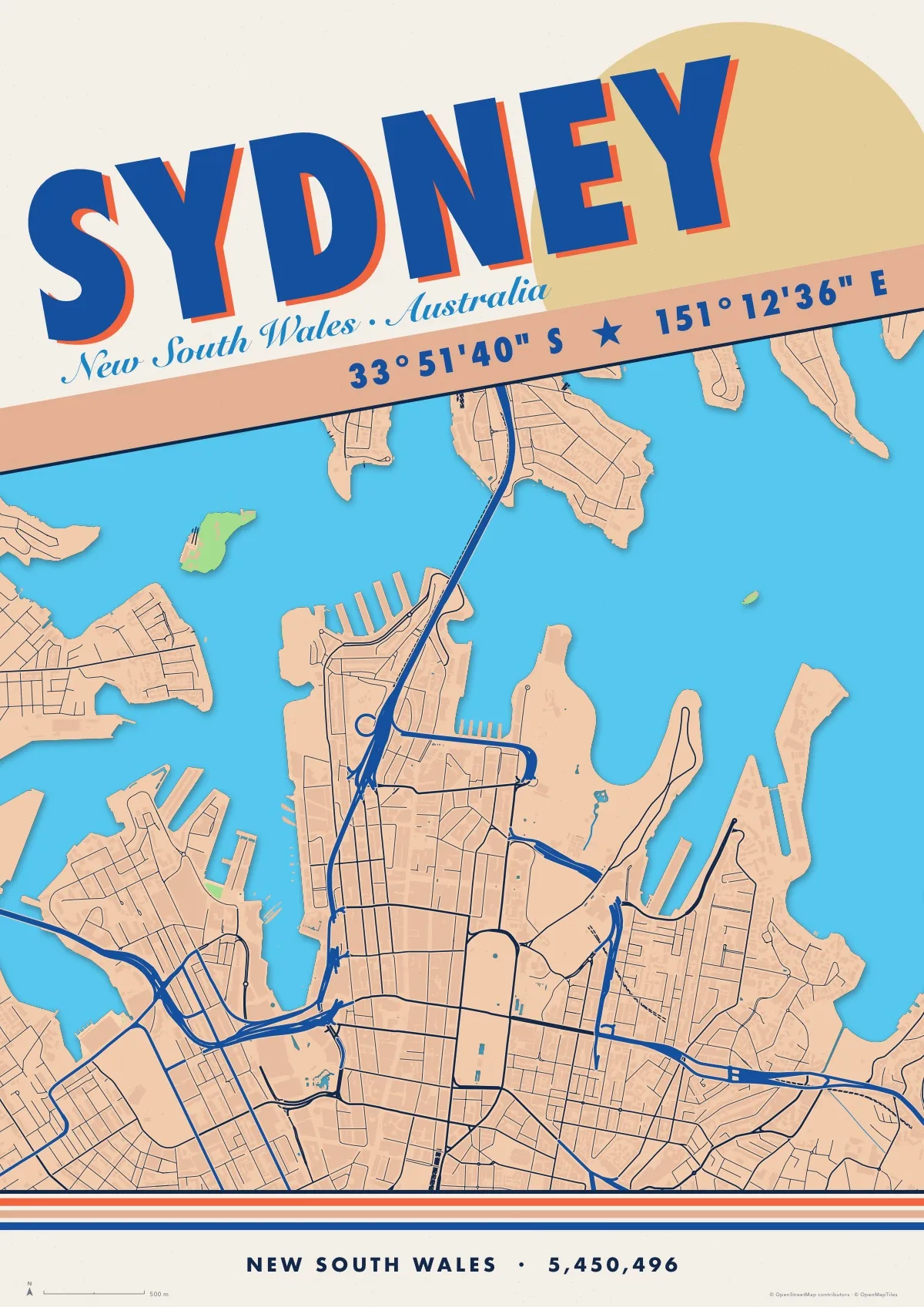
Sydney
Travel in Harbour
-
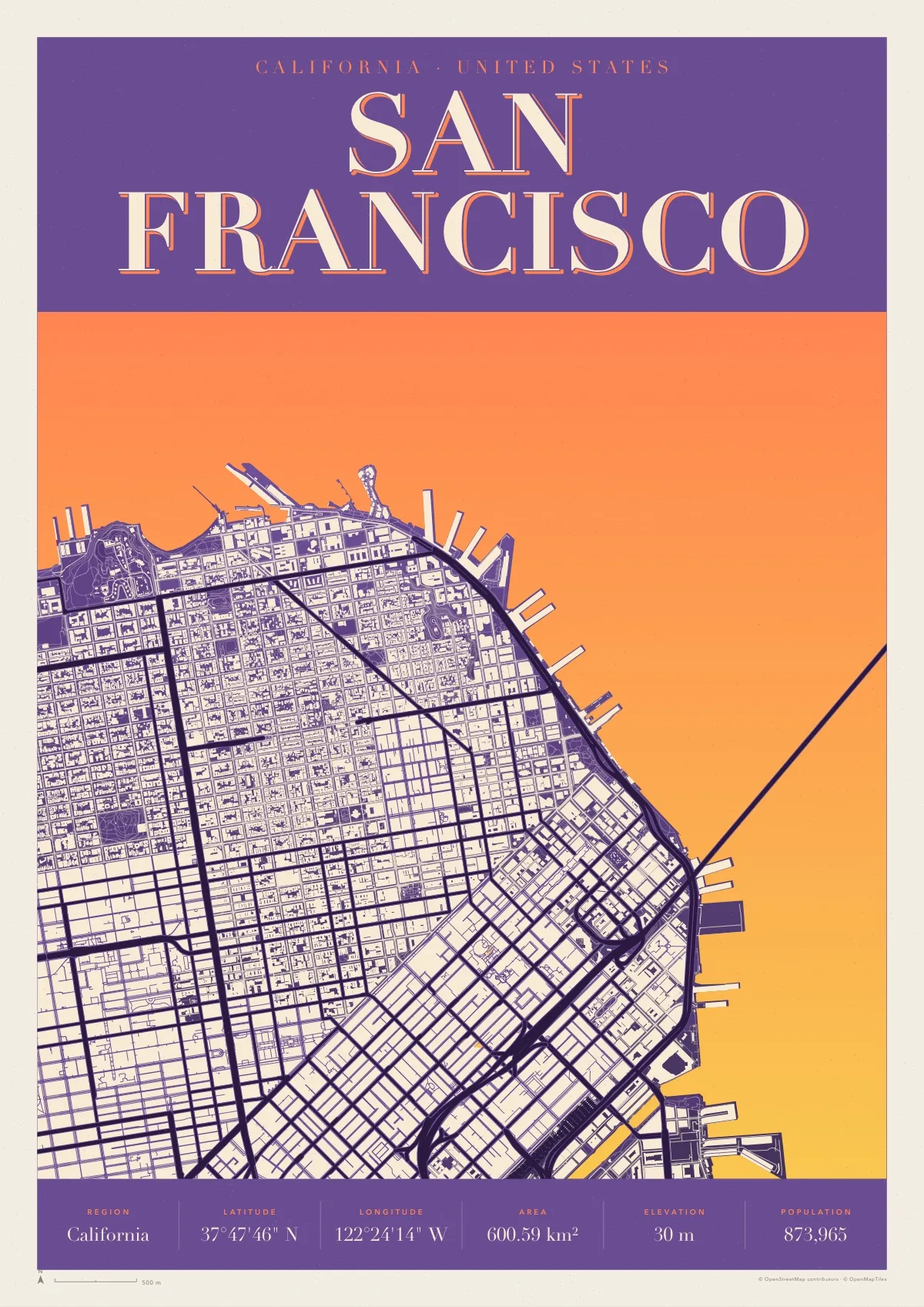
San Francisco
Retro in Haight
-
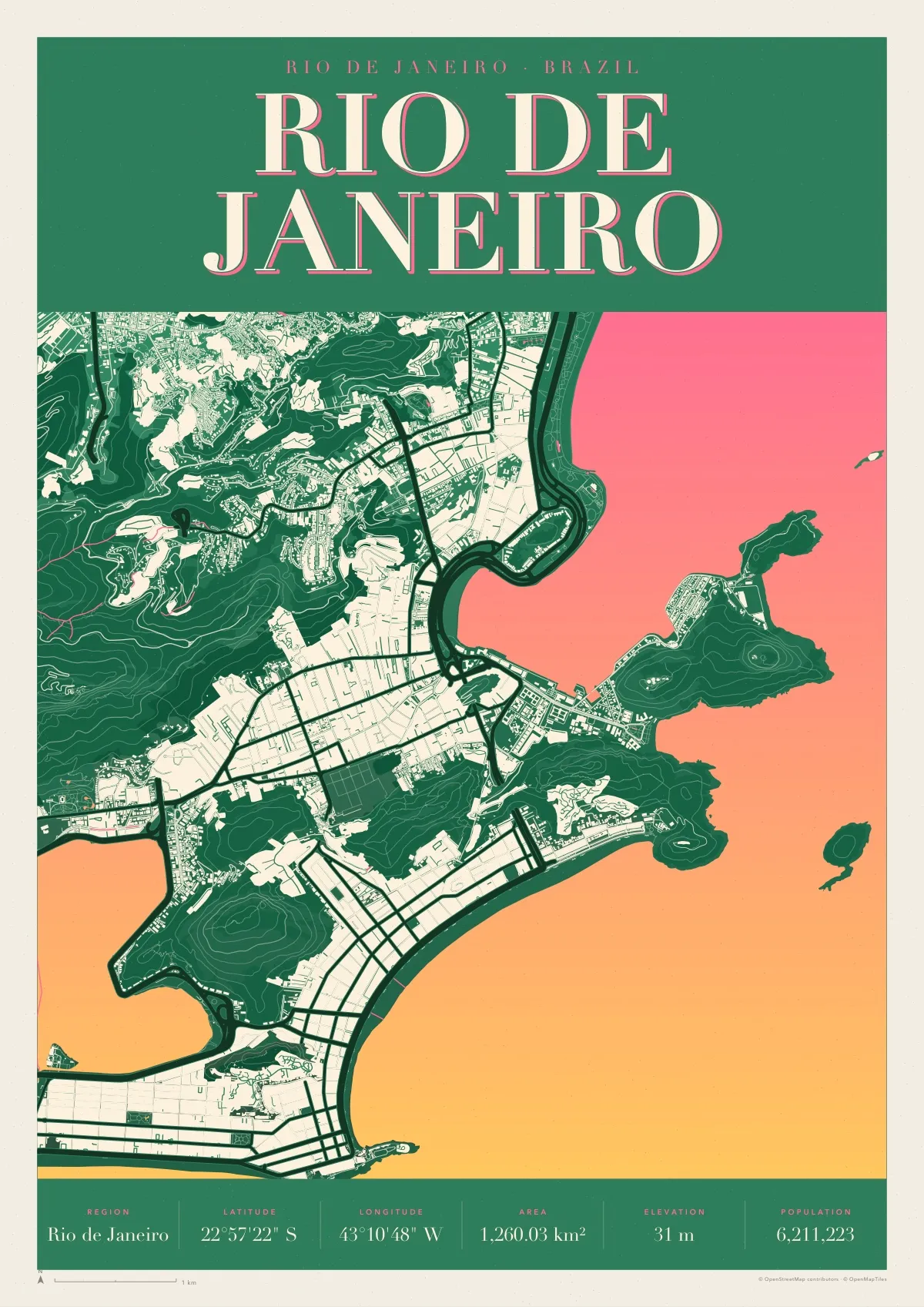
Rio de Janeiro
Retro in Tropicália
-
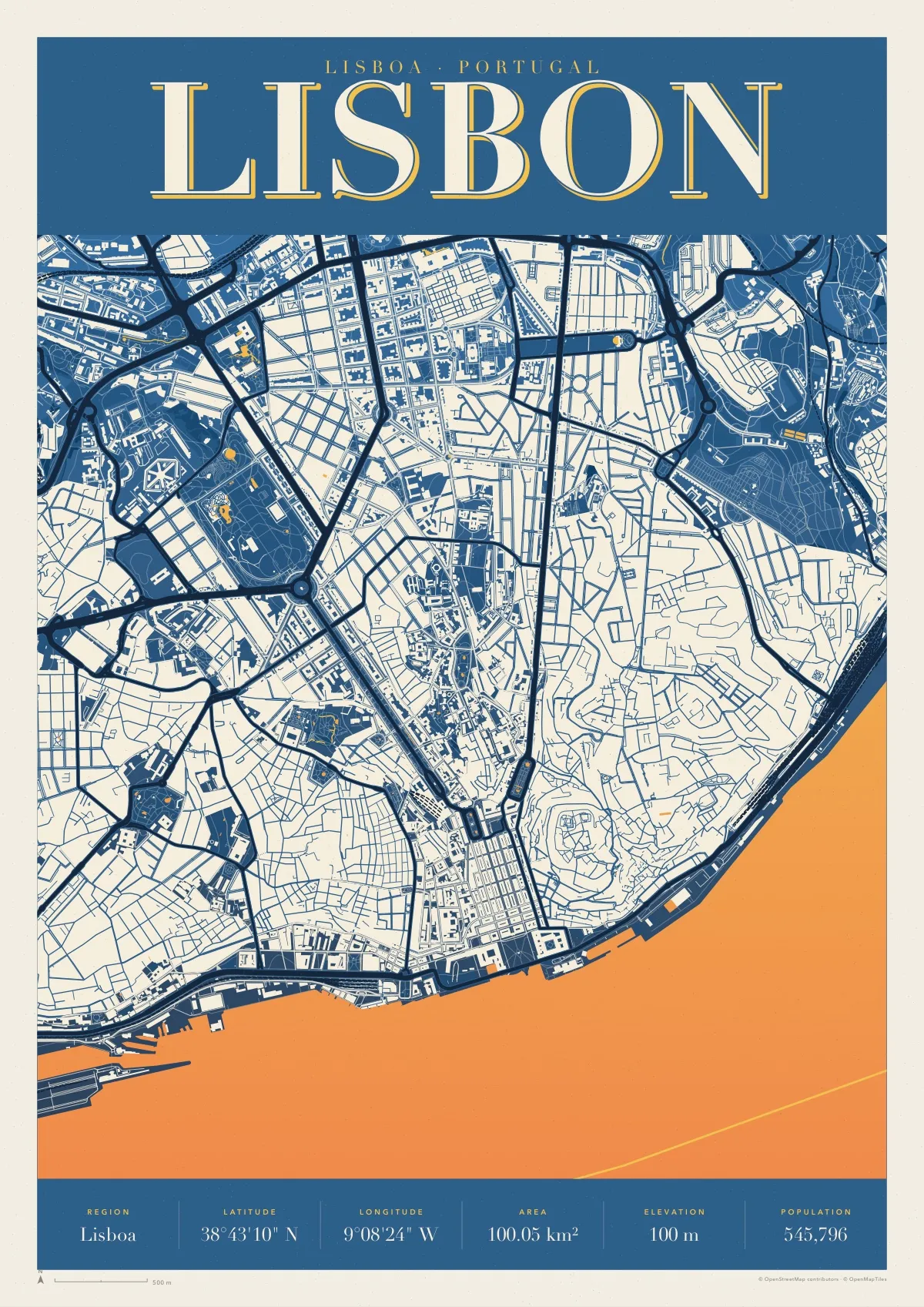
Lisbon
Retro in Azulejo
-
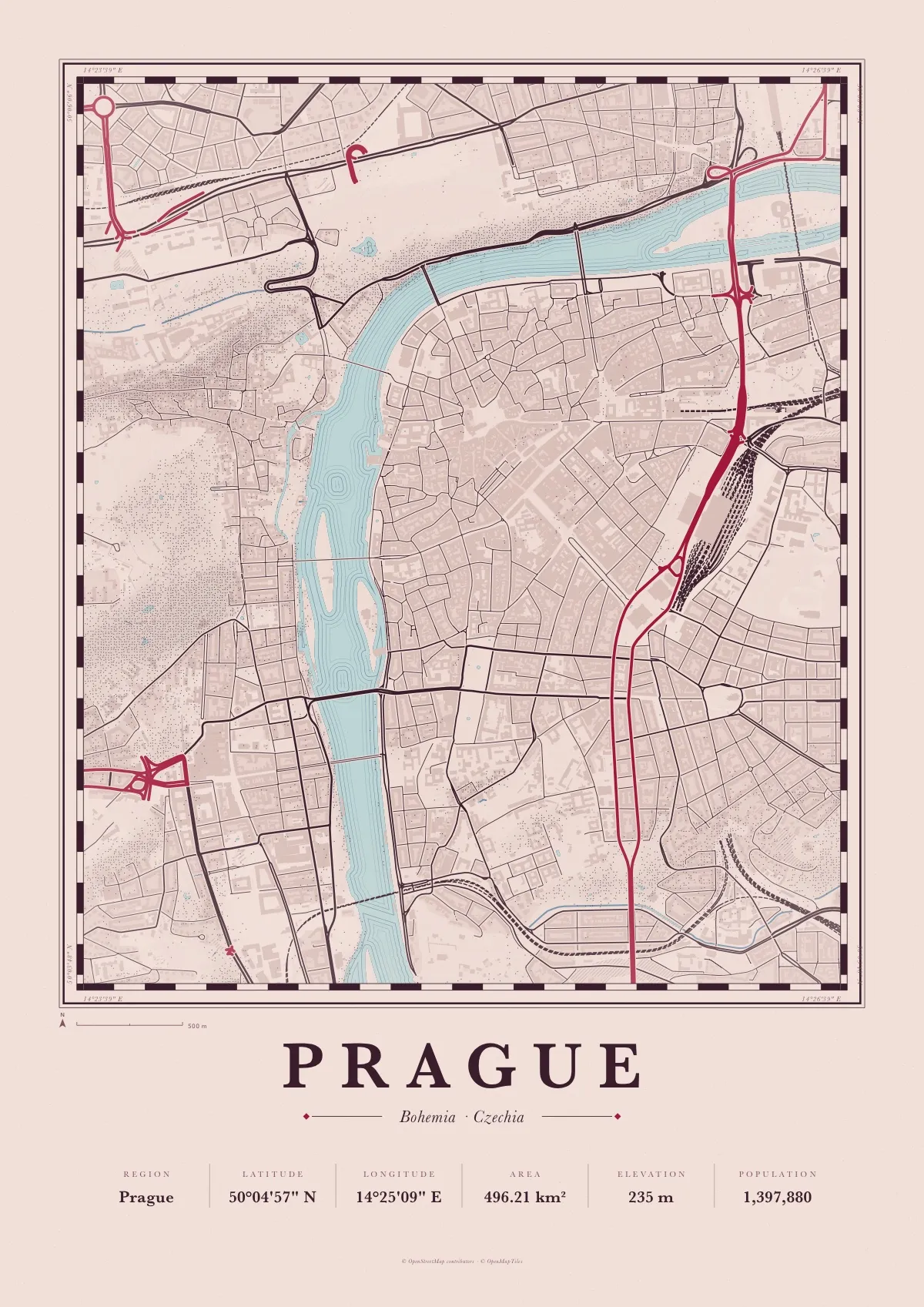
Prague
Atlas in Garnet
-
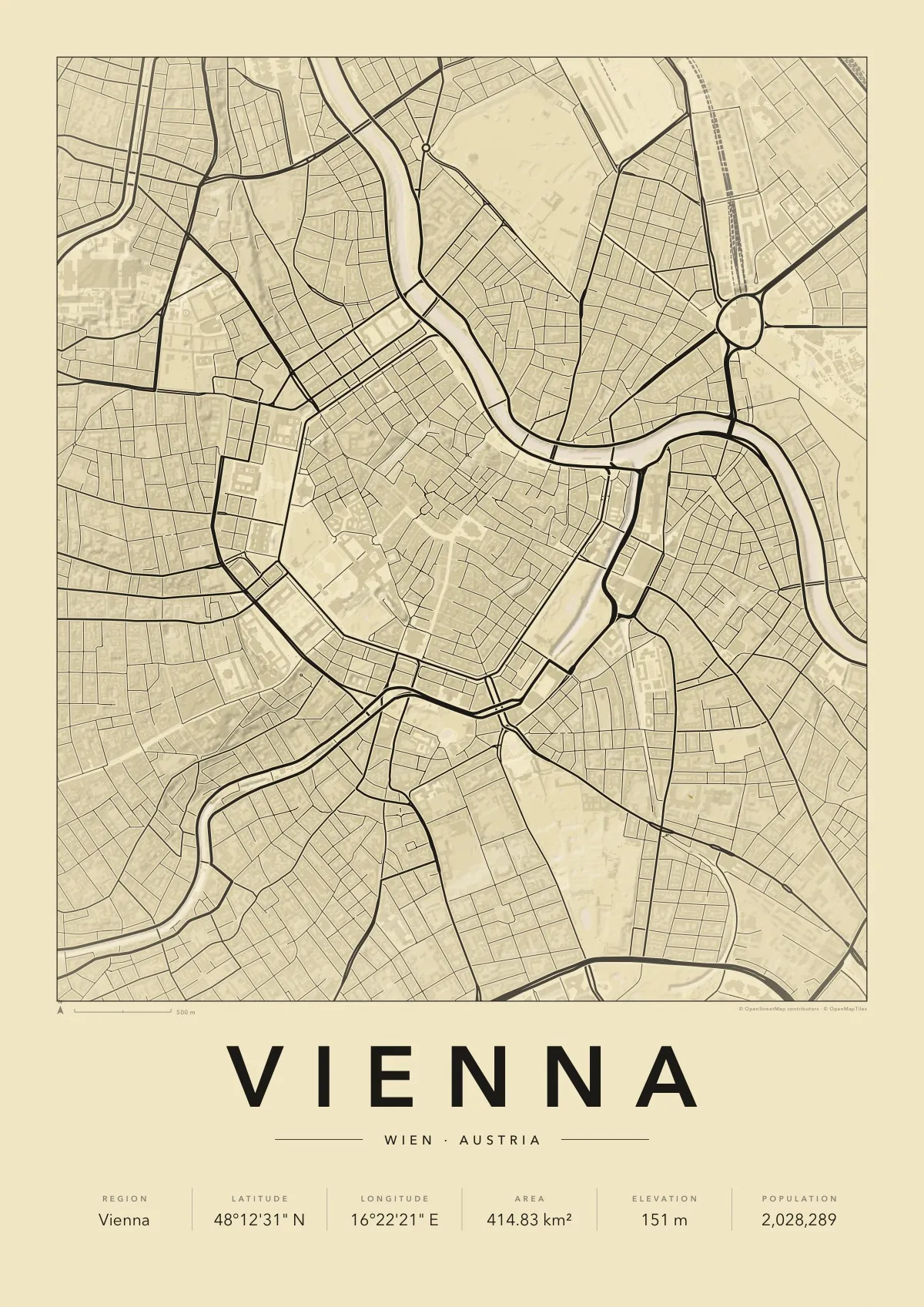
Vienna
Minimal in Secession
-
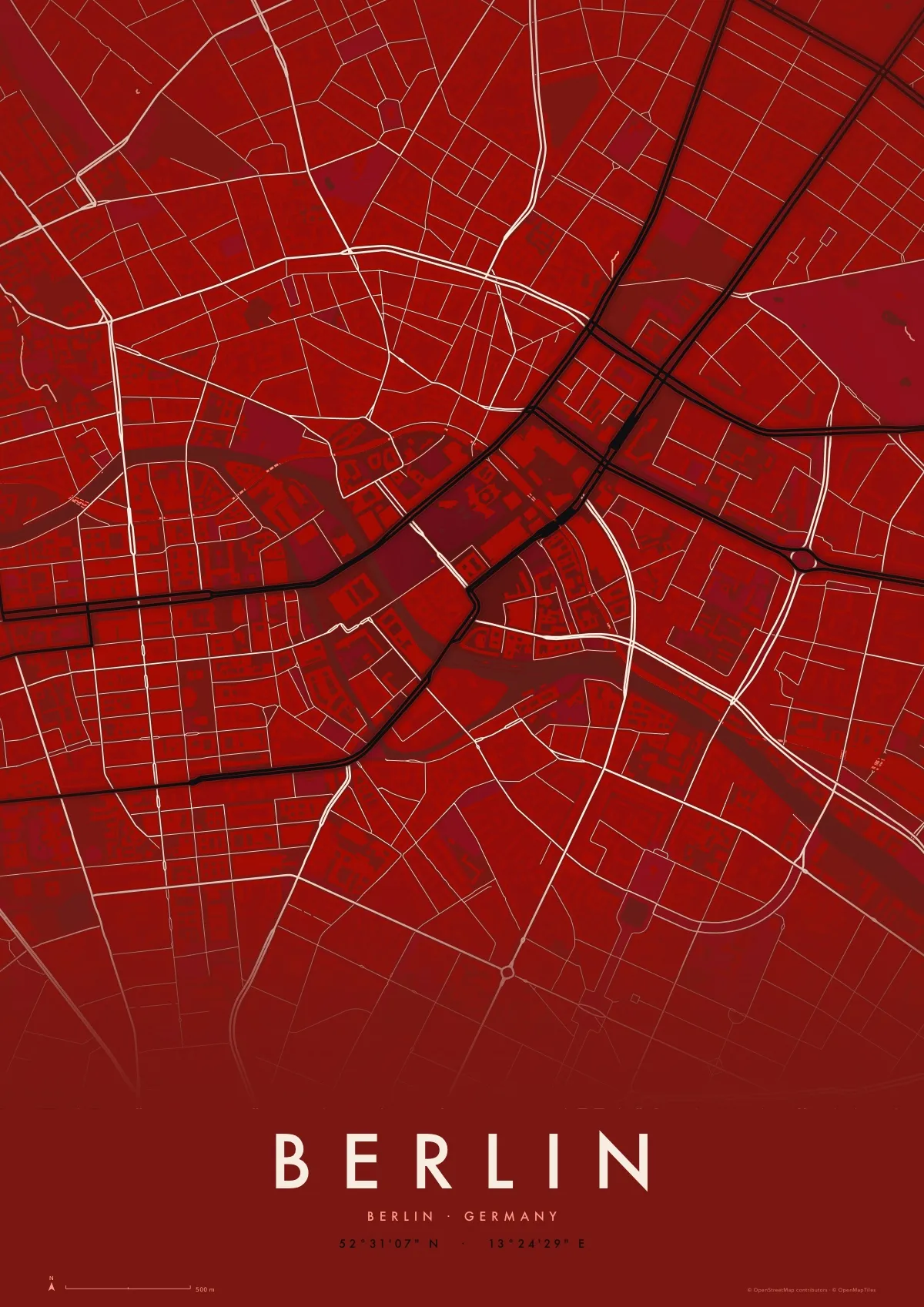
Berlin
Midnight in Signal
-
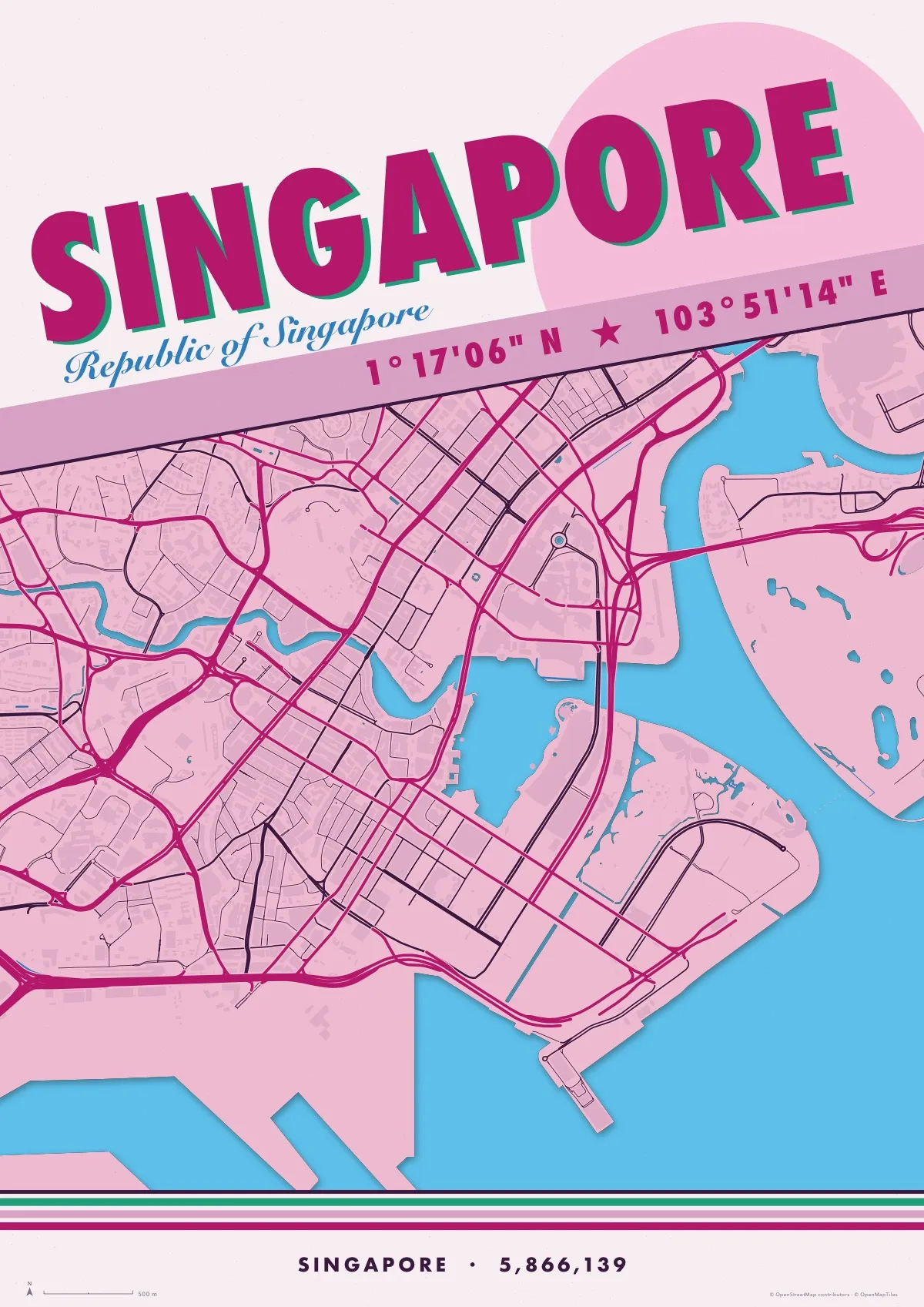
Singapore
Travel in Orchid
-
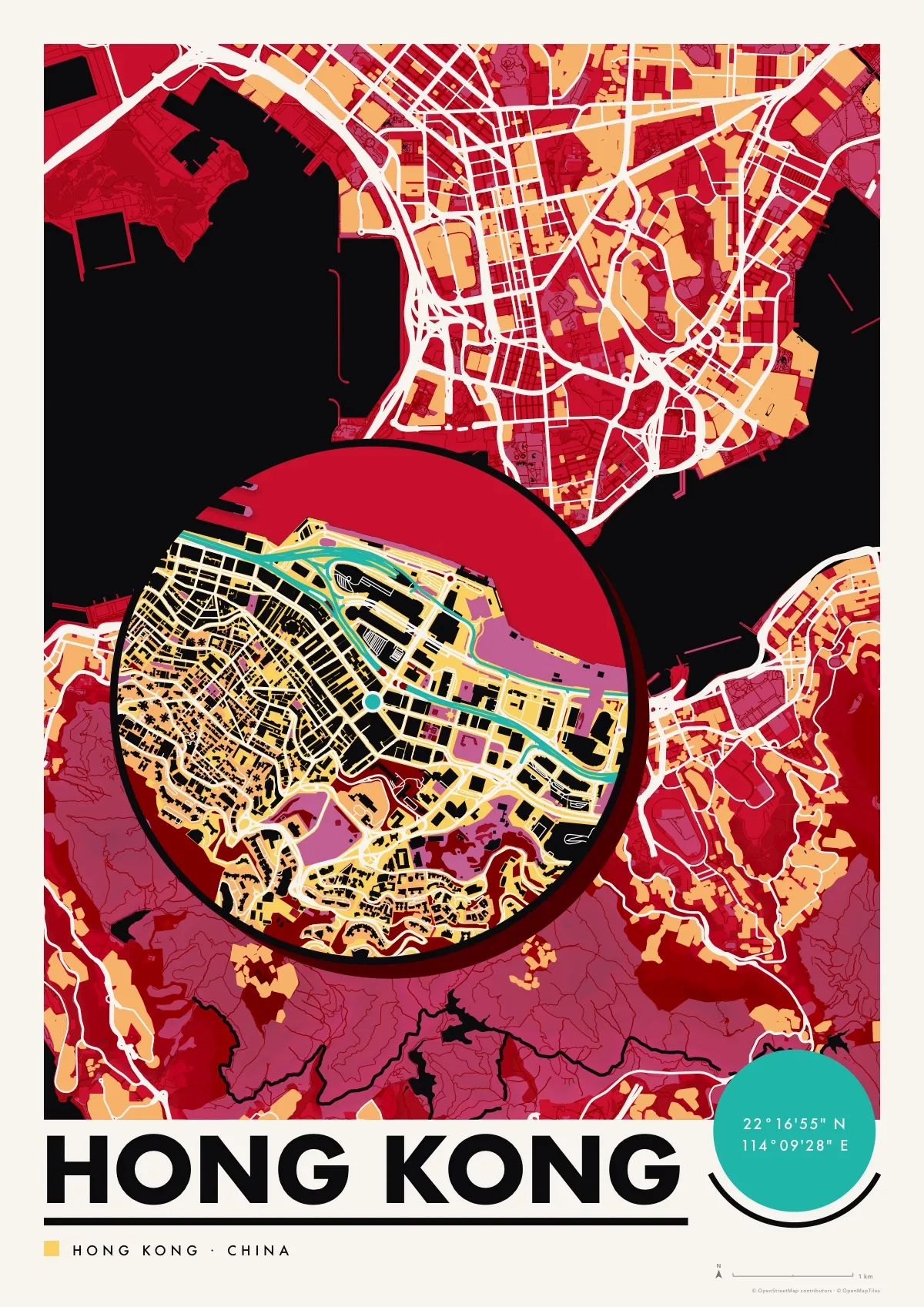
Hong Kong
Silhouette in Lacquer
-
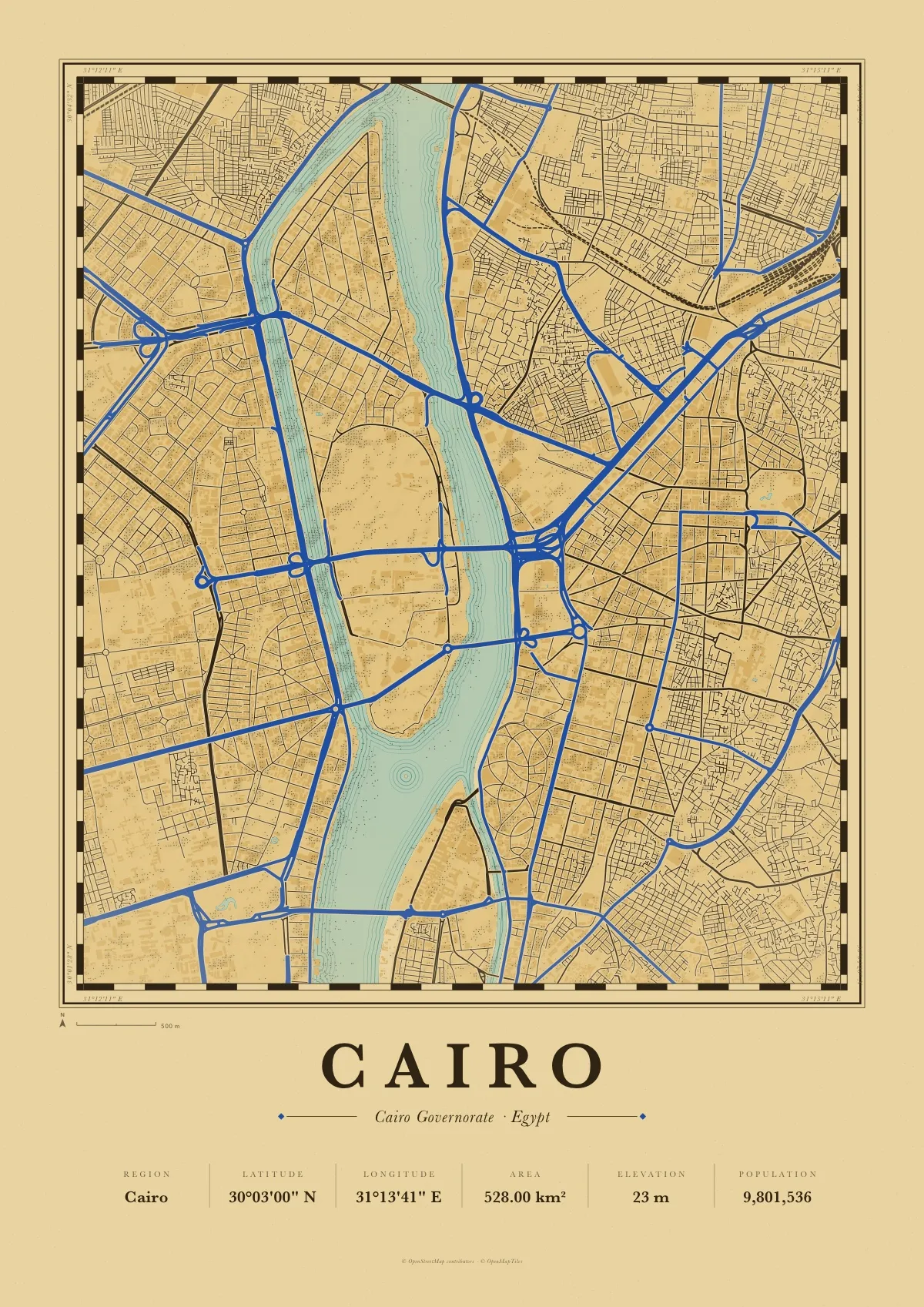
Cairo
Atlas in Papyrus
Download PDF of the Cairo map poster · 3.6 MB
Free to download and print for yourself or as a gift. Every file is one A3 page (297 × 420 mm) in vector, so it also prints sharp at A4. Map data © OpenStreetMap contributors, credited on each poster.
Any city, any town: make its map poster yourself
The gallery was made with Map Poster, a free app for iPhone and iPad, and the app does the same for any place on Earth: a capital, the village you grew up in, the street where you met. No account and nothing to buy.
-
1
Search any place
A city, a village of three hundred people, an island. Map Poster finds it, frames it and fills in its region, coordinates, area, elevation and population.
-
2
Pick a style and frame it
Six styles, from a clean minimal print to a 1960s screenprint. Drag and pinch the map until the crop is right, and edit the title and every label.
-
3
Export and print
A4 or A3, as a vector PDF for the print shop or a 300 dpi PNG. Save your places to the library and come back to them.
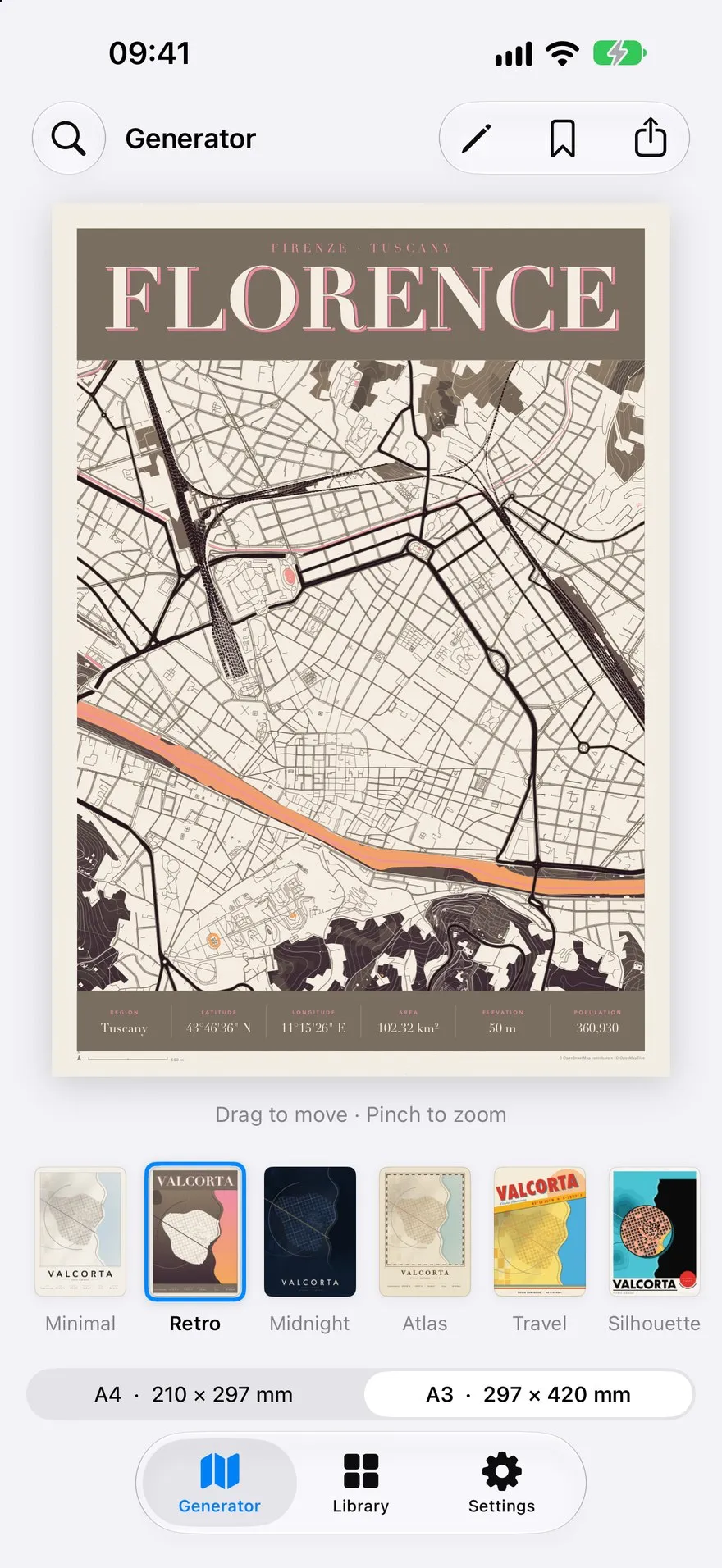
Six styles in the app
Every gallery poster is one of these six, printed in colours mixed for that city. The app draws each style in its original colours.
-
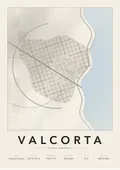
Minimal
Clean lines on paper, the classic city map print.
-
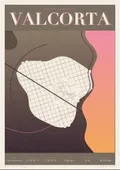
Retro
A 1960s screenprint with a big serif name.
-
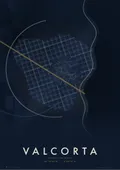
Midnight
Glowing streets on a dark night map.
-
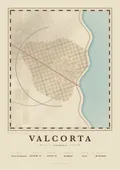
Atlas
An old cartographer’s plate with hatching.
-
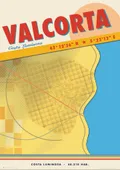
Travel
A vintage travel poster, the city in capitals.
-
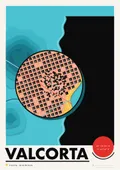
Silhouette
The town under a lens, with a Bauhaus title.
How to print a map poster
Size
Each PDF is one A3 page, 297 × 420 mm. A4 has the same proportions, so choose “fit to page” to print it at 210 × 297 mm. The lines are vector and stay sharp at any size, A2 included.
Paper
Matte or uncoated paper of 170 to 250 g/m² suits the flat colours best. Glossy photo paper makes the dark posters glare. At home, pick the printer’s best quality and the right paper type.
Print shop and frame
Any copy shop or online printer takes the PDF as it is. Ask for A3 at 100% with no scaling. The designs carry their own margin, so a standard A3 or A4 frame fits without a mount.
Questions
- Are the city map posters really free?
- Yes. All twenty PDFs are free to download and print, for your own walls or as a gift. There is no sign-up and no watermark. Please do not resell the files or the prints.
- What size are the posters?
- Each PDF is one A3 page, 297 × 420 mm (11.7 × 16.5 in). Because the artwork is vector, it prints just as sharp at A4 with “fit to page”, or larger at A2.
- Can I get a poster of a city that is not in the gallery?
- Yes. The free Map Poster app for iPhone and iPad makes a poster of any town or city in the world, in six styles, and exports it as an A4 or A3 PDF or a 300 dpi PNG.
- Why does every city look different?
- Each poster uses one of the app’s six styles (Minimal, Retro, Midnight, Atlas, Travel and Silhouette), printed in colours chosen for that city: zinc grey for Paris, taxi yellow for New York, azulejo blue for Lisbon.
- Can I print them at a copy shop?
- Yes. A vector PDF is what print shops prefer. Ask for A3 at 100% on matte paper of 170 g/m² or heavier. The designs have their own margin, so no bleed is needed.
- Where does the map data come from?
- From OpenStreetMap, the free map of the world made by volunteers. Streets, buildings, water and parks are drawn from its data, and every poster carries the credit “© OpenStreetMap contributors”.
Something else? Write to us. How the app handles data: privacy policy.